
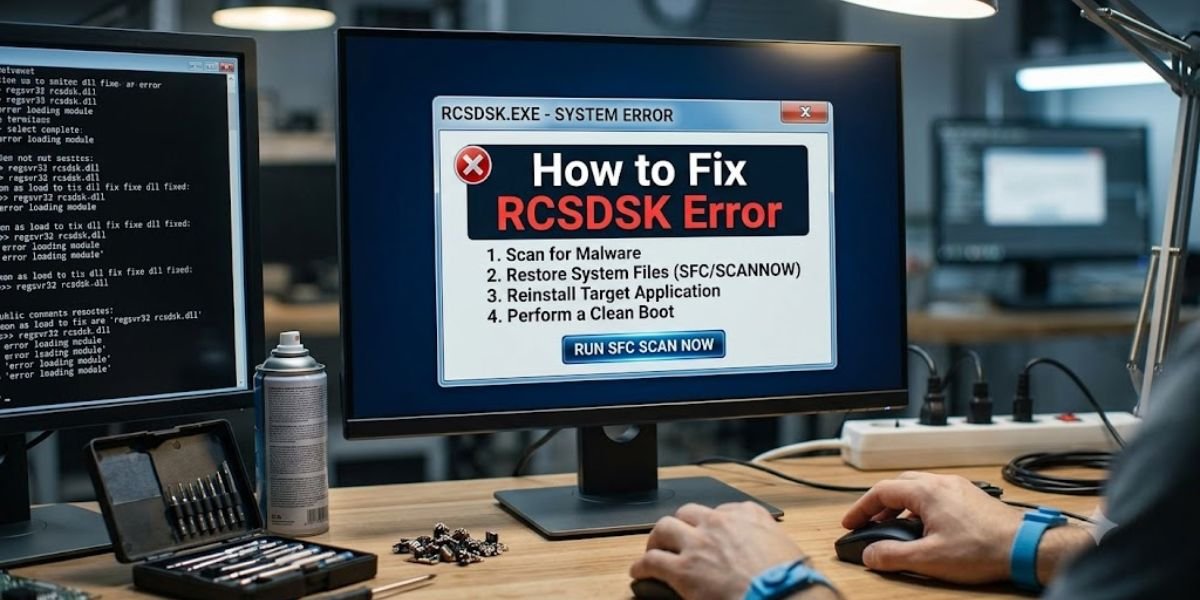
If you are searching for how to fix rcsdassk error or codes error rcsdassk, you are likely looking for a patch or a command-line fix.
Usually, an alphanumeric string like this suggests a specific bug in a niche program or a corrupted system file. However, a technical audit of this term reveals that it does not exist in any known software registry, operating system log, or official developer database.
As a system analyst, I have seen this scenario many times: a user copies a strange name from a blog post or a domain name and assumes it is a system-generated error code. In reality, the standard rules of troubleshooting do not apply here because there is no verified application or system known as RCSDASSK.
This guide identifies why you are seeing these “errors” and how to handle the websites that claim to fix them.
Why RCSDASSK error does not behave like a real software issue
In software engineering, an error is a specific failure in code that triggers a traceable output from a real engine. Genuine error codes are always linked to an identifiable ecosystem that provides a path to a solution.
- Windows Errors: These are recorded in the Event Viewer with structured hexadecimal codes like 0x8004210B. These codes allow an admin to pinpoint a specific registry conflict or hardware failure.
- Browser Errors: Chrome or Firefox use documented logs like ERR_CONNECTION_REFUSED. These are baked into the browser’s source code to signal networking issues.
- Application Crashes: Professional tools like Photoshop generate crash IDs tied to specific memory addresses or GPU driver failures.
RCSDSK has none of these properties. It has no source code, no developer documentation, and no log file existence. It does not appear in system logs because it is not a functional code generated by a software engine. It is a brand name on a website, not a line of code in a program.
The Real-World Scenario: How the Confusion Starts
Most users encounter this term in a very specific, human way. You might be browsing a tech blog for a different problem, see a mention of “RCSDASSK,” and assume it is a background process running on your machine. When your computer later slows down or a browser tab crashes, your brain makes a “false link” between that unfamiliar word and the performance issue.
Scammers and low-quality content farms rely on this exact human instinct. They know that if you see a word you don’t recognize, you will search for it alongside terms like “error” or “fix.” They create articles to meet that search, even if the “problem” they are fixing doesn’t actually exist.
What rcsdassk problem and rcsdassk release really mean
In a legitimate software lifecycle, a release means a new version of a binary file that you can actually download and install. When you see rcsdassk release online, it is a content-based label rather than a technical milestone.
The rcsdassk problem This is a label used by low-quality blogs to capture traffic from people who are confused by the rcsdassk.com website. It refers to a lack of user understanding about the site’s purpose, not a glitch in a computer program. If you search for this, you won’t find a technical solution because there is no technical cause.
The rcsdassk release There is no version history, no roadmap, and no repository for this. This term is used to manipulate search engines into thinking a blog is a software platform that receives regular updates. In the software world, a release has a change log; here, there is only a new blog post about an unrelated topic.
Why this keyword appears across multiple websites
The visibility of RCSDASSK across different blogs is a simple traffic-grabbing tactic. It is not a sign that the software is gaining popularity or that a new virus is spreading.
When someone registers a unique domain name, automated scripts identify that name as a “low competition” string. Content networks then pump out hundreds of articles using templates like How to fix [Name] error or Software features of [Name].
They are essentially “squatting” on the keyword. They want to be the only result you find so they can serve you ads or push “cleanup” software that you don’t actually need.
Why you cannot actually fix an RCSDSK error
Troubleshooting requires a system to debug. To fix a problem, an analyst needs a system state, a set of logs, and a reference manual. Because RCSDASSK has no software backend and no engineering logs, there is literally nothing to repair.
If a website tells you to update RCSDASSK drivers or change registry keys, stop immediately. You cannot update a driver for a program that does not exist. Modifying your Windows Registry or your System32 folder based on fake advice is the fastest way to break your actual operating system. These “guides” are often written by bots that don’t care if their advice causes your computer to stop booting.
How to Verify Authenticity Using a Security Lens
If you see a guide for a RCSDASSK error, use this professional audit to evaluate it:
- Check the URL and Contact: Is it a verified tech site or a generic blog using a Gmail address like businessstylish12@gmail.com?
- Locate the Developer: Search for the company on LinkedIn or Crunchbase. A real software firm will have employees and a corporate history.
- Identify the Documentation: Look for a technical Wiki or an API page. If the only “support” is a 500-word blog post on a site that also talks about home renovation, the software isn’t real.
How Real Software Errors Actually Work
Authentic errors are transparent and traceable. Android uses logcat for diagnostics. Linux uses dmesg for hardware logs. Apple uses Console to show exactly why a process hung.
Real errors have a developer you can contact and a manual you can read. They are not vague “problems” mentioned on sites that have placeholder addresses like 123 Main Street. If you cannot find a technical wiki or a GitHub issue tracker for it, you are not looking at a software error—you are looking at an SEO experiment.
Final Expert Summary and Action Plan
There is no real RCSDSK error to fix because there is no verified software called RCSDASSK. The search results you see are the result of a “ghost keyword” created by content farms to trick users who are looking for technical support.
If your computer is running slowly, your browser is crashing, or you are seeing actual error codes, your focus should be on the real software installed on your machine. Check your Windows Update status, scan your system with a reputable antivirus like Microsoft Defender, and clear your browser’s actual cache.
Do not waste time trying to “fix” a fictional program like RCSDASSK. Troubleshooting a ghost program will not solve your real performance issues and following fake registry advice could permanently damage your system. Stick to verified sources and always question the existence of software that has no official homepage.